Jon TDI
Resident Member
-
Joined
-
Last visited
-
I believe there is no difference in the diffuser, just the Rieger diesel diffuser comes with an extended tailpipe to divert the hot gas away from the diffuser.
-
I still have mine that I took off my vRS before I traded it in. Was going to put it on eBay but you can have it if you want? Jon
-
-
Moving on to a well known German car brand with 2 extra cylinders.
-
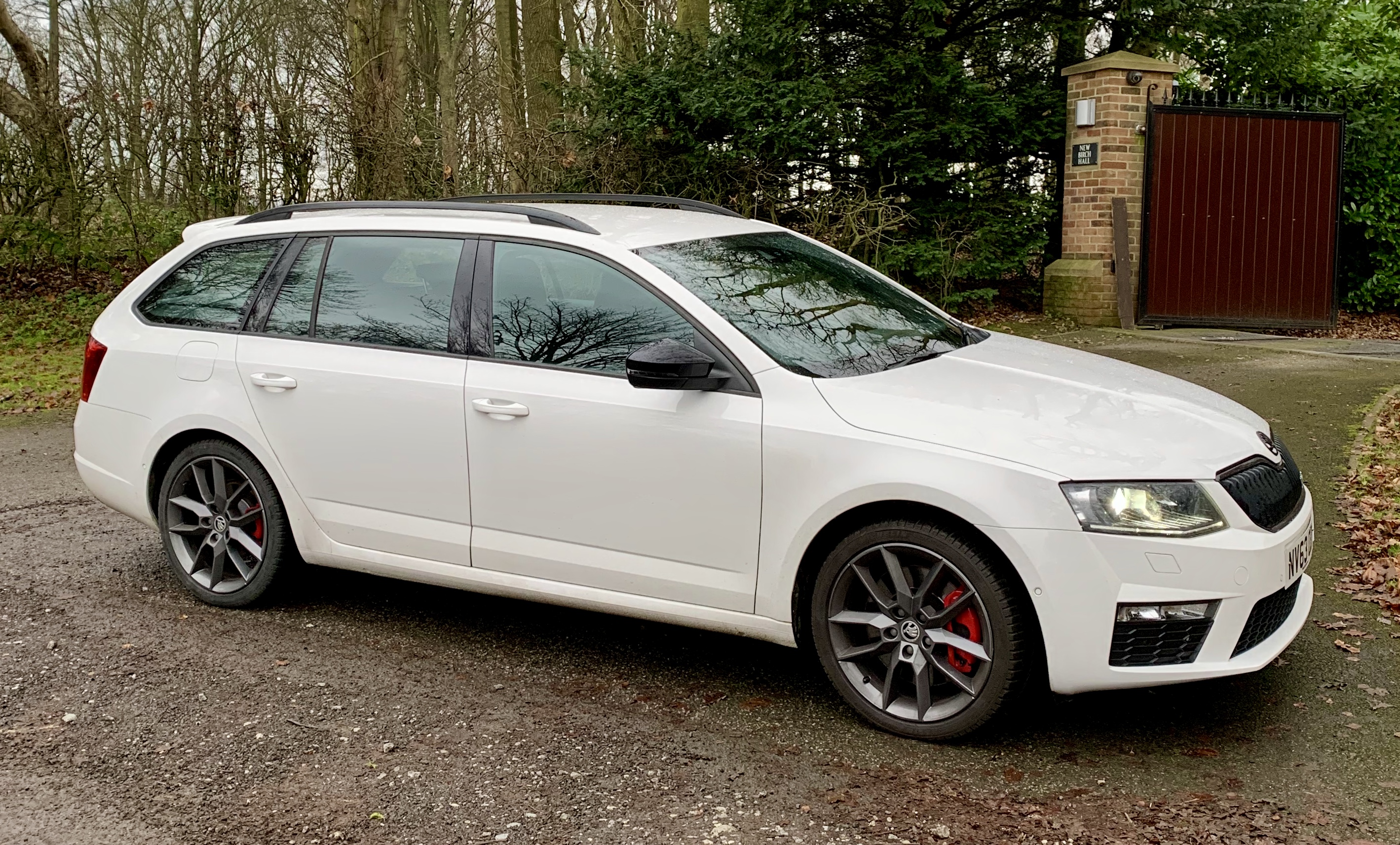
Well, after 4 years of owning the Octavia vRS, it’s time to move on. Couldn’t really fault the Skoda......fairly quick......economical......and practical. I’m moving on to something just as economical, just as practical, but a little bit quicker! Who knows, I’m might return to Skoda ownership in the future.
-
I’ve had this happen a few times. Coolant level is fine, temp gauge is fine, but low level coolant warning light came on. To stop it happening, I unplugged the connector on top of the expansion bottle & cleaned the contact pins on the bottle & connector with a fine paint brush. There was a bit of grit around the contact pins, so removed with the brush. Warning light has never come on again.
-
I had this happen last year. Take a plastic trim tool to prise the flap a little. Squirt plenty of silicone spray on the plunger. Unlock & lock a few times until it frees up.
-
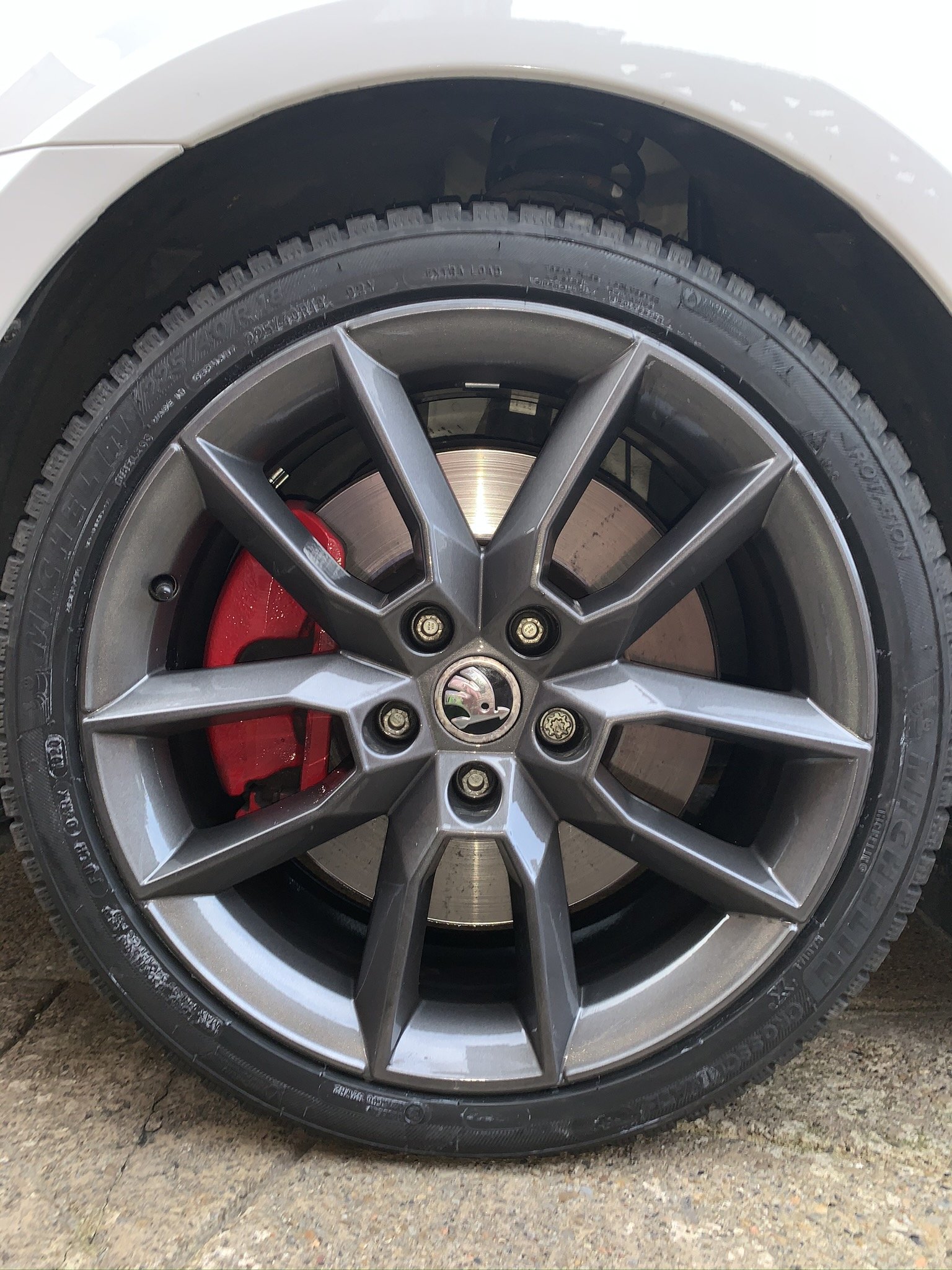
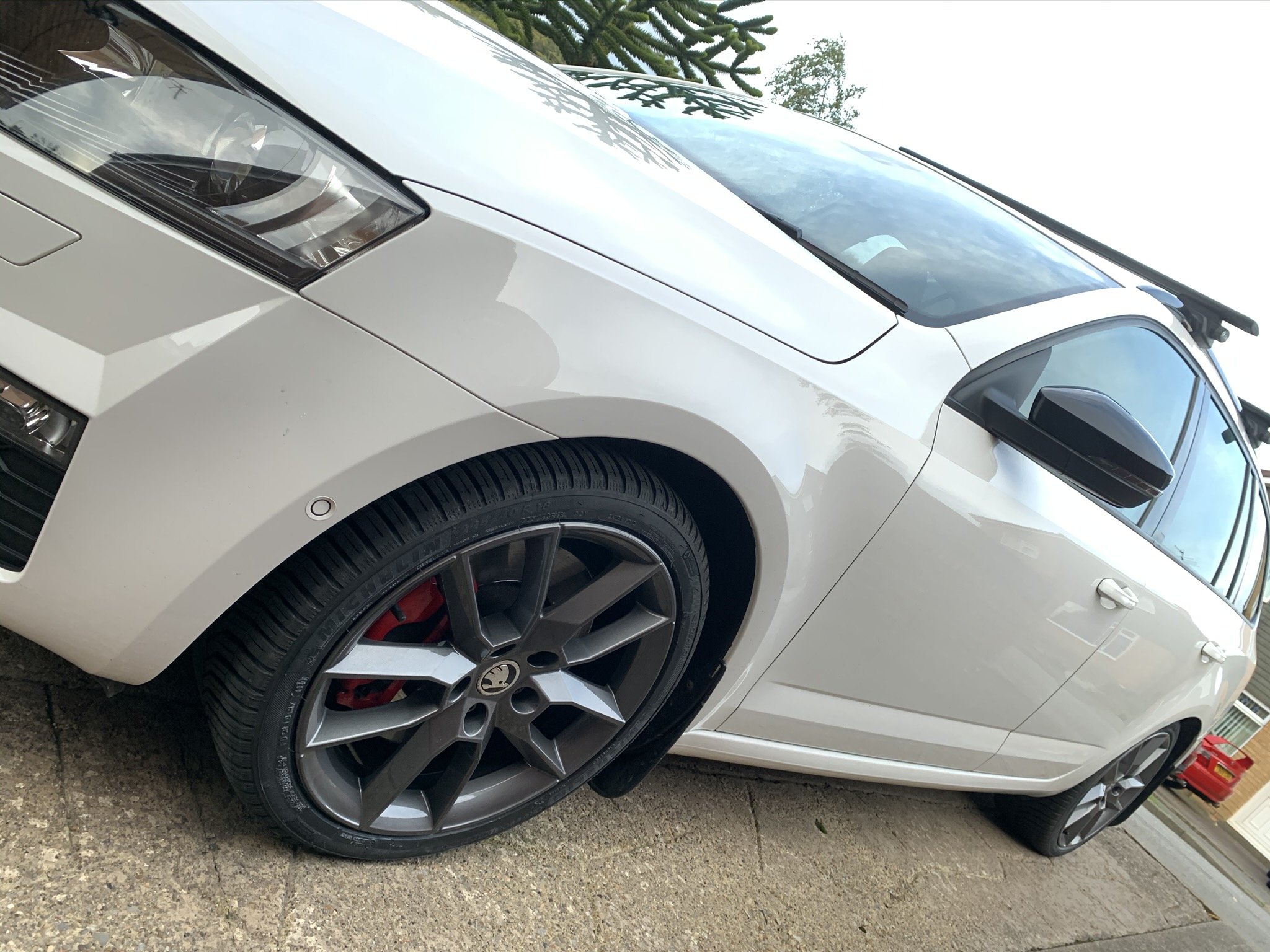
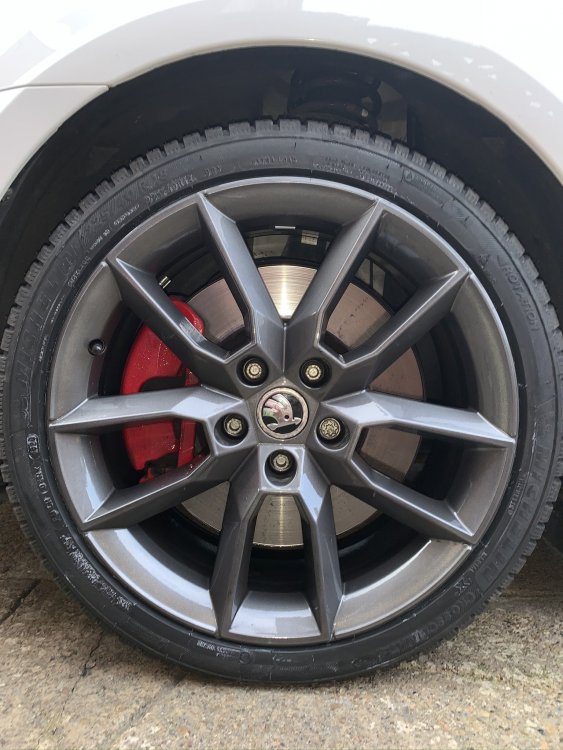
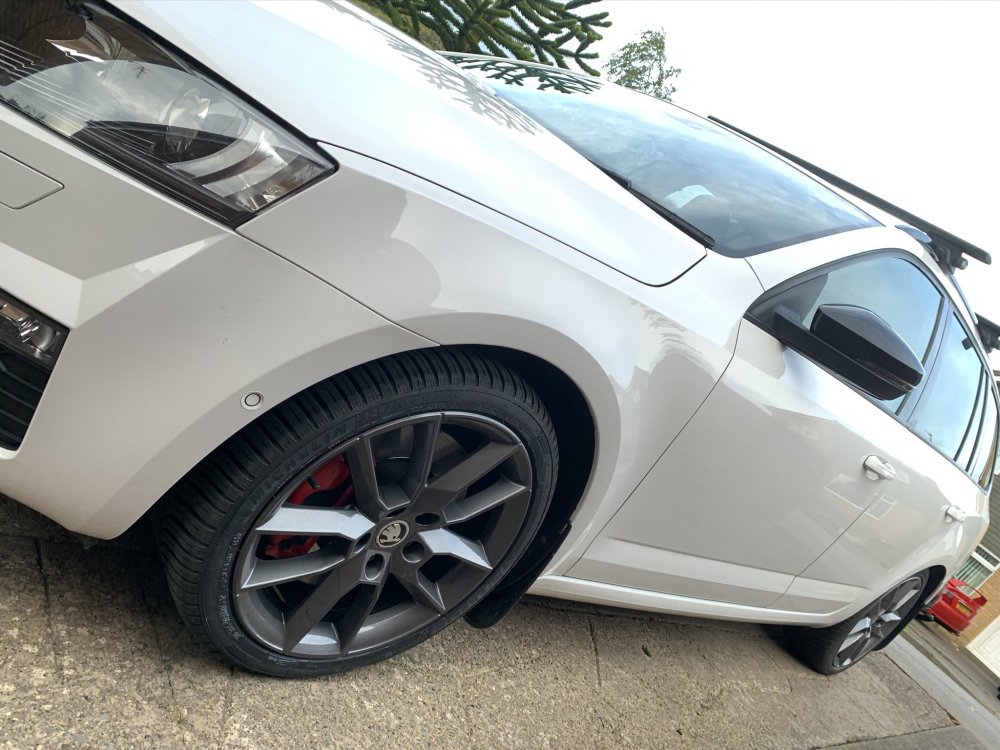
Powder coating is best option if you’re not bothered about keeping the diamond cut finish. Had mine recently powder coating in anthracite colour for £180 for all 4 wheels.
-
I have a drone noise between 20-35mph & suspect the front tyres are the culprit, as they are worn to the point of requiring replacement. The noise isn’t loud but is noticeable. Luckily I am getting them replaced next Monday whilst the alloys are being refurbed. I shall report back next week to see if there is any difference. Current Tyres are Michelin Crossclimates & will be replaced with Crossclimates+ as I am very pleased with how they perform in all weather conditions.