comfortablynumb
Members
-
Joined
-
Last visited
-
Thanks for the reply and sorry late response. As far as I know my Carista is set for my car. I haven’t used it for 6 months. The fault code(s) were regarding the HVAC system. The intermittent running problem is not issuing any fault codes at all. Am hoping to get it on VCDS next week to see if that reveals anything. Taking it for a run tomorrow so will see how it goes. Once again thanks for your interest and info.
-
Thanks pikpilot. Obviously wasn’t aware. Ran it a couple of times and it came up with another similar fault code. Started up and ran diagnostic and both faults cleared! Should anything appear on the screen while it’s self-checking? Still have an underlying intermittent running problem that needs further investigation which is not showing up on diagnostic.
-
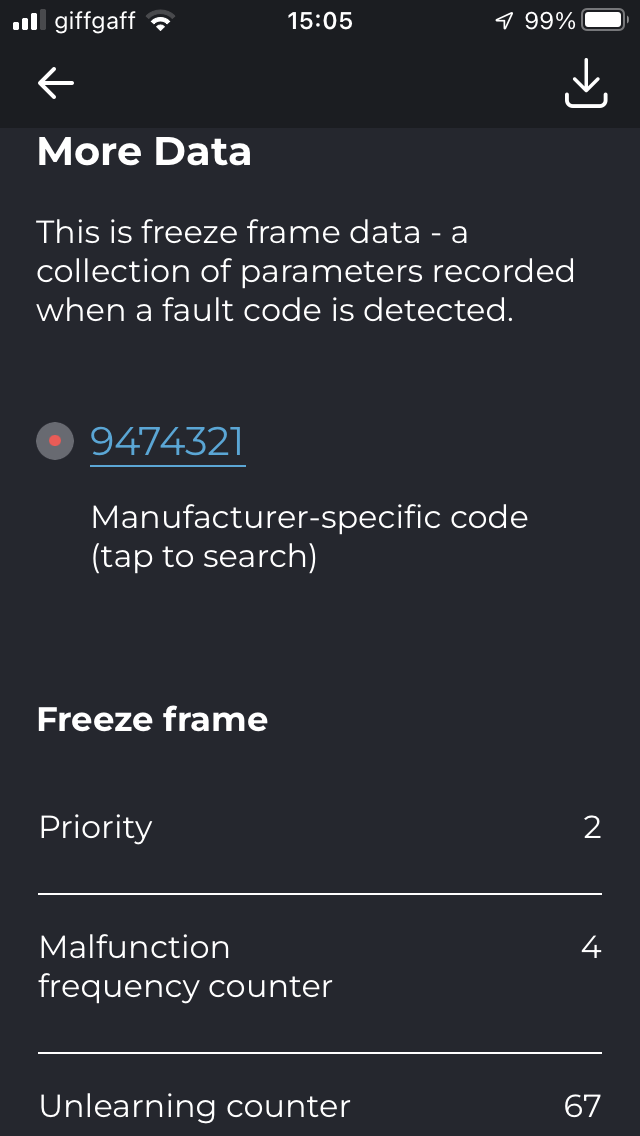
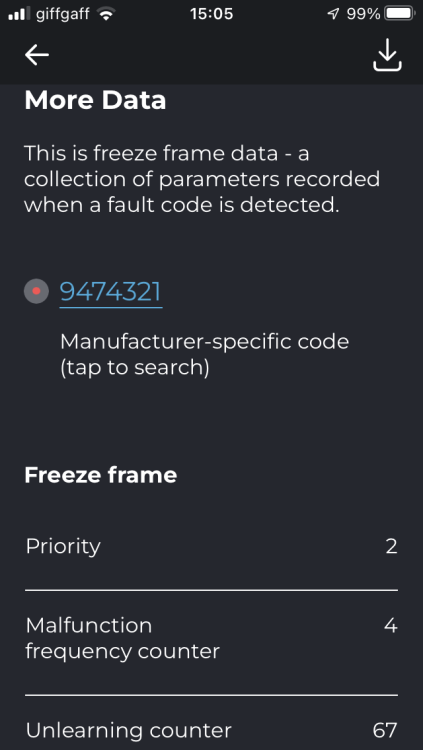
Hi all. I’ve done a Carista diagnostic check on my 2010 2F 1.6 CAYC and it’s come up with this fault code on the heater and air conditioning system. I’ve been unable to decipher it anywhere on the net and wonder if anyone can interpret it for me. TIA P.S. On the Mk1 Octy the Climatronic system had a self-test facility. Is anything like this available on the Mk2? Thanks Rob
-
I had a similar problem a few years ago on a 03 estate. If my memory serves me well-and sometimes it doesn't-my garage diagnosed a leaking heat exchanger which, when the demisters were on, sprayed anti-freeze solution on the screen hence the film on the glass. It was a complete dash out job to replace the exchanger and the garage was most upset as they had massively under-quoted for the job which apparently is a right p i t a to do. The problem of the greasy screen was cured however.