vRSsunroof
Members
-
Joined
-
Last visited
-
This is exactly what I was thinking, thanks for confirming i'm not going mad. After a little deeper digging I found the one i linked too (CTSSK003.2) did not have the CAN-bus decoder in it so would have needed to find a switched live from somewhere, the CTSSK002.2 actually has the CAN-bus decoder built into the steering control box so gone for that one!
-
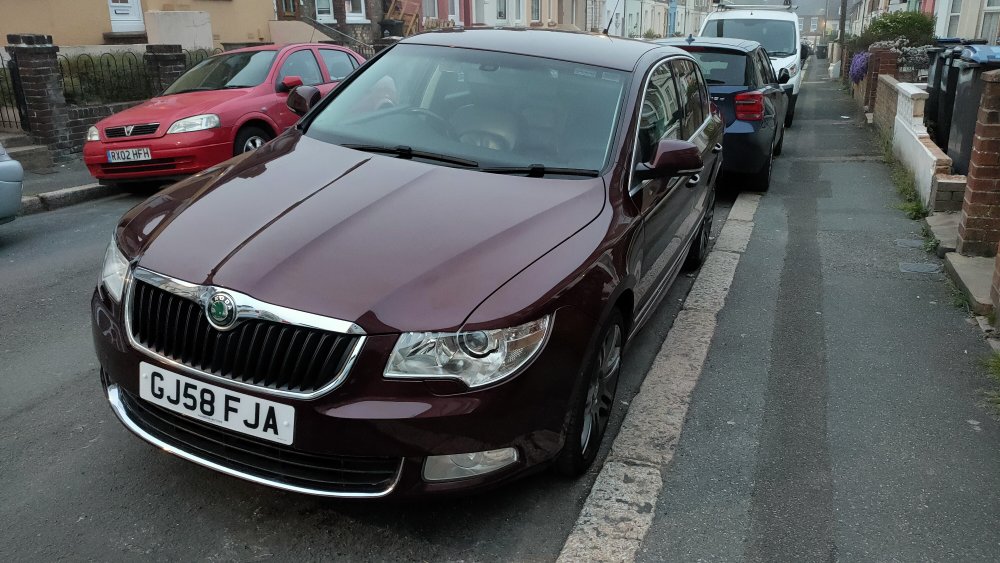
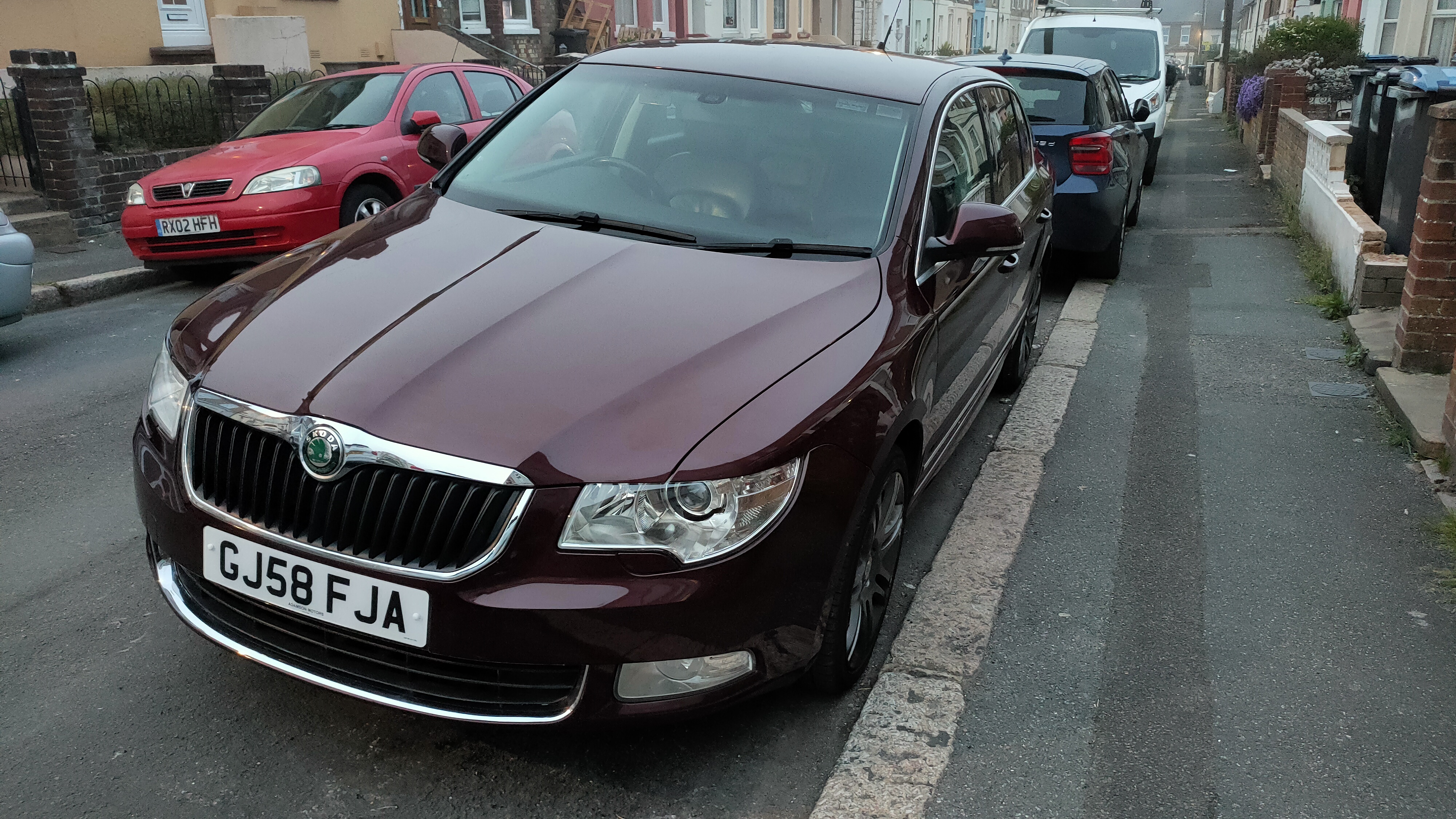
So, after picking up my superb last week I have found the Bluetooth module under the seat is the Nokia one so doesn't support anything. Looking at the modules I would need to upgrade the module to give me music streaming they are asking £££ I have been given a pioneer head unit which has Android auto and found a lot of the parts are cheep to get it fitted (compared to the BMW I have just got rid of) https://www.ebay.co.uk/itm/CTSSK003-2-Skoda-Fabia-2007-onwards-Stalk-Steering-Control-Adaptor-/261650433160?_trksid=p2349624.m46890.l49286 That's the adaptor I'm looking at but I thought when your installing in a CAN bus system you need a constant live tapped in? This doesn't seem to have any way to tap in a constant?! Or is the Superb different and it's all pretty much plug and play? Any helps mucho appreciated
-
After trying different cars I'm yet again back in a skod. So bit of background. 2x MK1 Octavia VRs 1x MK1 Octavia estate TDI 2x MK1 fabia VRs I'm now in a 2008 Superb PD DSG. Think I got a bargain for the barge, few niggles that I need to sort but that's why I'm back. Questions questions questions to prepare me for the work